As a professional photographer with over 15 years of experience, I know that a monitor is the most critical tool in a photo editing workflow. The right display ensures that the colors you see are the colors you get in your final prints and digital images. In this guide, we'll dive into the best monitors for photo editing in 2026, with options for every budget and skill level.
Check Price on AmazonThe Best Monitors for Photo Editing: Quick List
In-Depth Reviews of the Best Monitors for Photo Editing
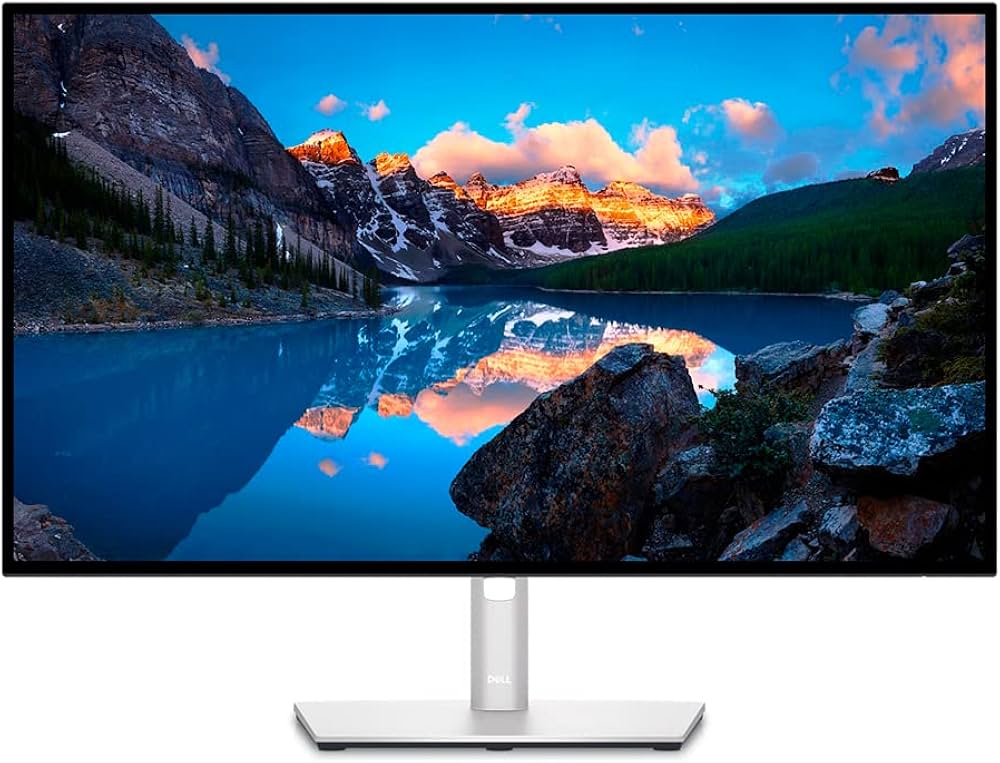
1. Dell UltraSharp U3224KB 6K - Best Overall
The Dell UltraSharp U3224KB is a game-changer for photo editing. Its 6K resolution provides an incredible level of detail, allowing you to see your images with stunning clarity. This monitor is a top-tier choice for professional photographers who demand the best.
Key Specs:- Screen Size: 32-inch
- Resolution: 6144 x 3456 (6K)
- Panel Type: IPS Black
- Color Gamut: 100% sRGB, 99% DCI-P3
- Connectivity: Thunderbolt 4 (140W PD), HDMI, DisplayPort, USB-C hub
- Stunning 6K resolution
- Excellent color accuracy
- Integrated 4K webcam
- Thunderbolt 4 connectivity
- Very expensive
- Requires a powerful computer
2. BenQ SW271C - Best for Color Accuracy
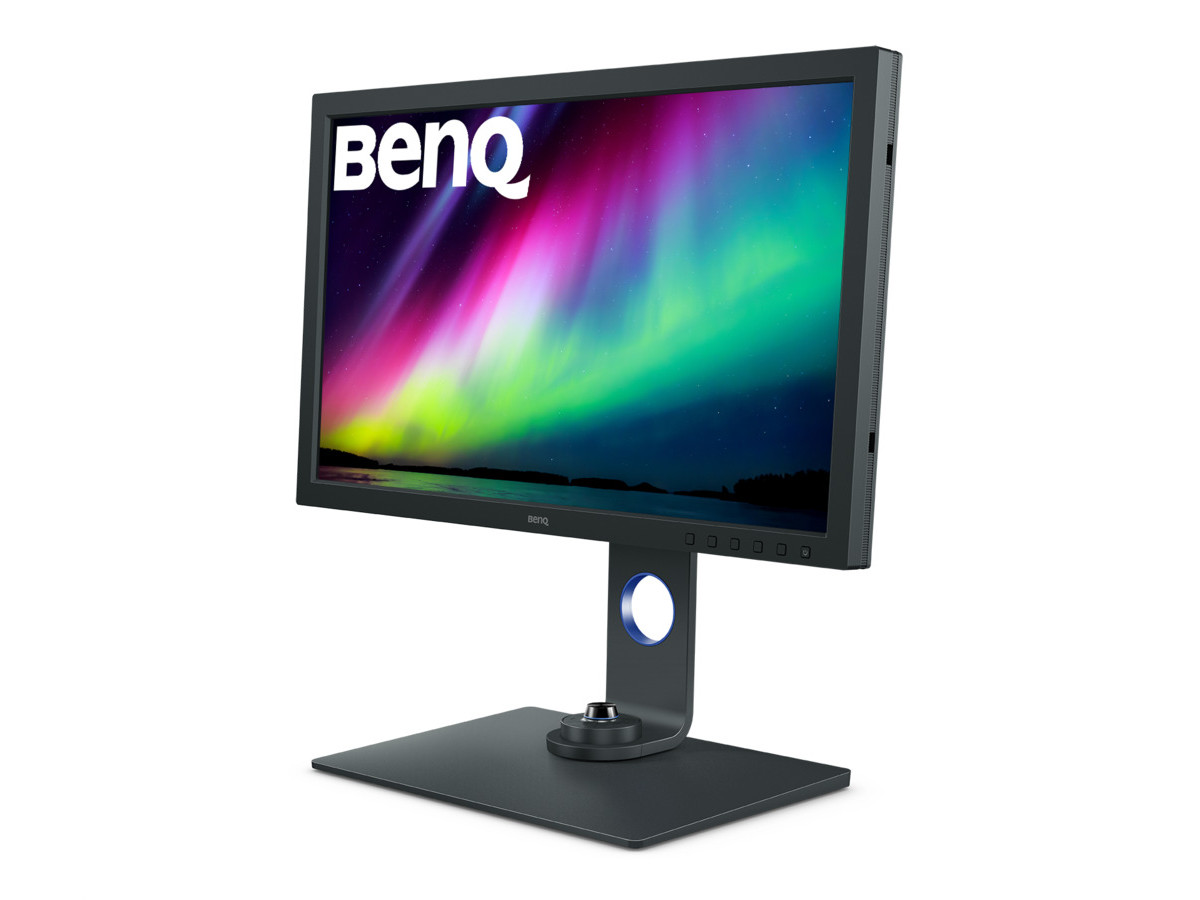
When it comes to color accuracy, the BenQ SW271C is a top contender. This 27-inch 4K monitor is part of BenQ's SW series, which is specifically designed for photographers. It offers exceptional color performance and a host of features for a color-managed workflow.
Key Specs:- Screen Size: 27-inch
- Resolution: 3840 x 2160 (4K)
- Panel Type: IPS
- Color Gamut: 99% Adobe RGB, 90% DCI-P3
- Connectivity: USB-C (60W PD), HDMI, DisplayPort, SD card reader
- Exceptional color accuracy with 99% Adobe RGB coverage
- Hardware calibration support
- Paper Color Sync for accurate print proofing
- Shading hood included
- 60W power delivery may not be enough for some laptops
- More expensive than some competitors
3. BenQ MA320U - Best for Mac Users
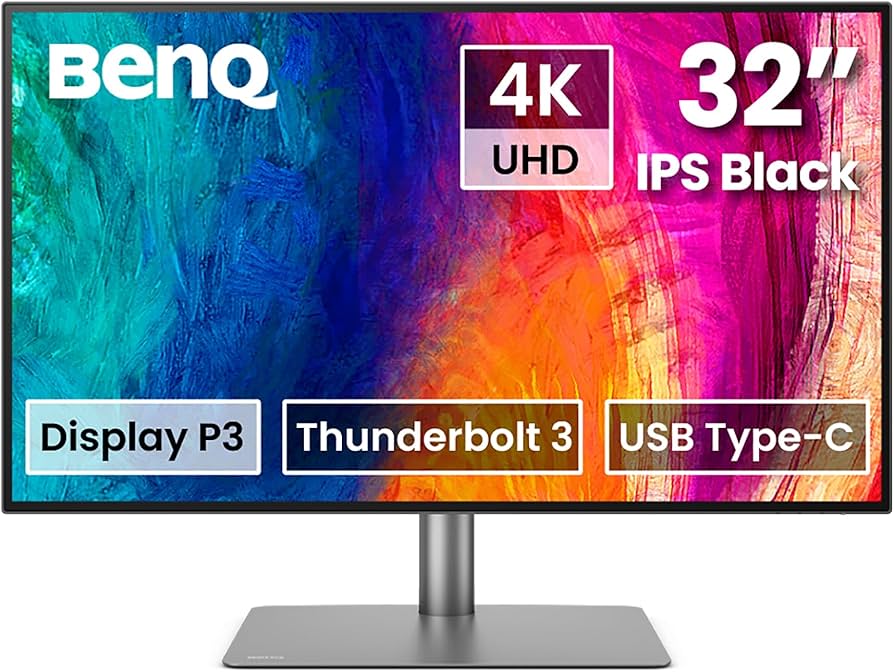
For photographers who use a Mac, the BenQ MA320U is an excellent choice. This 32-inch 4K monitor is designed to integrate seamlessly with macOS, providing a color-accurate and user-friendly experience.
Key Specs:- Screen Size: 32-inch
- Resolution: 3840 x 2160 (4K)
- Panel Type: IPS
- Color Gamut: 99% sRGB, 97% DCI-P3
- Connectivity: USB-C (90W PD), HDMI, DisplayPort
- Near-perfect match to MacBook color profiles
- Seamless macOS integration with DisplayPilot 2 software
- 90W power delivery
- Minimalist design
- No Thunderbolt 4
- Speakers are just okay
4. Asus ProArt PA279CRV - Best Budget 4K
The Asus ProArt PA279CRV is proof that you don't have to break the bank to get a color-accurate 4K monitor. This 27-inch display offers excellent performance for a very reasonable price, making it a great choice for hobbyists and aspiring professionals.
Key Specs:- Screen Size: 27-inch
- Resolution: 3840 x 2160 (4K)
- Panel Type: IPS
- Color Gamut: 99% Adobe RGB, 99% DCI-P3
- Connectivity: USB-C (96W PD), HDMI, DisplayPort, USB-A hub
- Excellent color coverage with 99% Adobe RGB and DCI-P3
- Very affordable
- 96W power delivery
- Calman Verified for color accuracy
- Limited HDR support
- Build quality is a bit plasticky
5. BenQ PD3420Q - Best Ultrawide
For photographers who want more horizontal screen space, the BenQ PD3420Q is an excellent ultrawide monitor. This 34-inch display provides a 21:9 aspect ratio, which is great for viewing images side-by-side or having multiple editing panels open at once.
Key Specs:- Screen Size: 34-inch
- Resolution: 3440 x 1440 (UWQHD)
- Panel Type: IPS
- Color Gamut: 100% sRGB, 98% DCI-P3
- Connectivity: USB-C (65W PD), HDMI, DisplayPort
- Excellent color accuracy
- Ultrawide aspect ratio for increased productivity
- Hotkey Puck for easy settings adjustment
- Reasonably priced for an ultrawide
- Lower resolution than 4K monitors
- 65W power delivery may not be enough for some laptops
Comparison of the Best Monitors for Photo Editing
| Monitor | Screen Size | Resolution | Color Gamut | Connectivity | Price |
|---|---|---|---|---|---|
| Dell UltraSharp U3224KB | 32-inch | 6K | 99% DCI-P3 | Thunderbolt 4 (140W PD) | $$$$$ |
| BenQ SW271C | 27-inch | 4K | 99% Adobe RGB | USB-C (60W PD) | $$$$ |
| BenQ MA320U | 32-inch | 4K | 97% DCI-P3 | USB-C (90W PD) | $$$ |
| Asus ProArt PA279CRV | 27-inch | 4K | 99% Adobe RGB | USB-C (96W PD) | $$ |
| BenQ PD3420Q | 34-inch | UWQHD | 98% DCI-P3 | USB-C (65W PD) | $$$ |
Buyer's Guide: What to Look for in a Monitor for Photo Editing
Choosing the right monitor for photo editing is a crucial decision. Here are the key factors to consider:
- Color Gamut: This is the most important factor for photo editing. Look for a monitor that covers at least 99% of the sRGB color space. For print work, a monitor that covers at least 95% of the Adobe RGB color space is recommended.
- Color Accuracy: A monitor's color accuracy is measured by its Delta E value. A Delta E of less than 2 is considered to be imperceptible to the human eye.
- Resolution: A 4K (3840 x 2160) monitor is the sweet spot for photo editing. It provides a high level of detail without being prohibitively expensive.
- Panel Type: IPS (In-Plane Switching) panels are the best choice for photo editing, as they offer the best color accuracy and viewing angles.
- Calibration: Look for a monitor that supports hardware calibration. This will allow you to create and save custom color profiles to the monitor for the most accurate colors.
Frequently Asked Questions (FAQ)
Q: Do I need to calibrate my monitor for photo editing?A: Yes, you should always calibrate your monitor for photo editing. Even factory-calibrated monitors can drift over time. A hardware calibration device is the best way to ensure that your colors are accurate.
Q: What is the difference between a glossy and a matte screen?A: Glossy screens tend to have more vibrant colors and deeper blacks, but they are also more reflective. Matte screens are less reflective, but the colors may not be as vibrant. For photo editing, a matte screen is generally preferred.
Q: Is a curved monitor good for photo editing?A: Curved monitors can provide a more immersive experience, but they can also distort straight lines. For this reason, most photographers prefer a flat screen for photo editing.
Q: What is the best screen size for photo editing?A: The best screen size for photo editing is a matter of personal preference. However, a 27-inch monitor is a good starting point. It provides enough screen real estate to work comfortably without being too overwhelming.
Q: What is the difference between 8-bit and 10-bit color?A: 10-bit color provides a much wider range of colors than 8-bit color. This can result in smoother gradients and more accurate colors. For serious photo editing, a 10-bit monitor is recommended.
Conclusion
Investing in a high-quality monitor is one of the best things you can do to improve your photo editing. The monitors we've reviewed in this guide are all excellent choices that will help you to create your best work.
Check Price on Amazon